





Amazfit Update Brings Advanced iPhone Notifications to More Watches
 193cc Agency CouncilJune 30, 20261 Mins read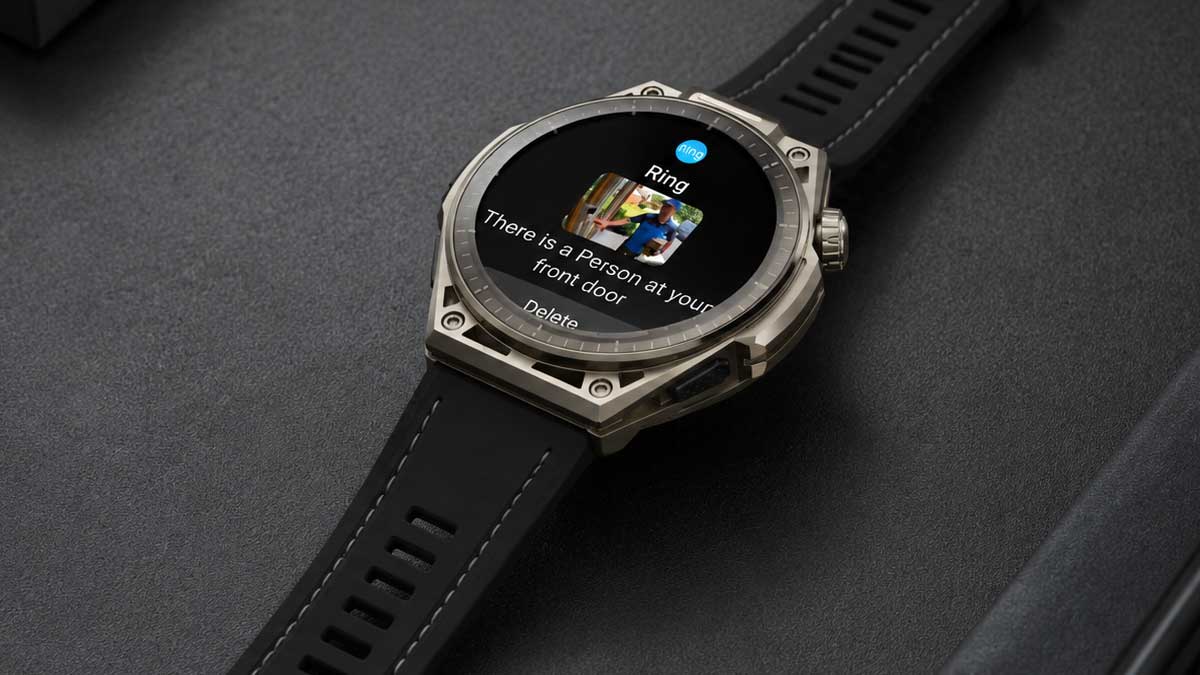
Amazfit has introduced a major software update that significantly expands iPhone functionality for several of its smartwatch models, adding enhanced notification features that were previously unavailable. The update delivers iOS Notification Forwarding, allowing users to interact with notifications in more meaningful ways, including replying to messages directly from their smartwatch.
The new capability also enables images to appear within notifications on compatible Amazfit watches, making it possible to view photos received through apps such as WhatsApp or image-based alerts from smart doorbell applications. Amazfit describes the addition as providing a “more complete notification experience,” bringing its long-battery-life smartwatches closer to the experience offered by full-featured smartwatches.
At launch, the feature is available for the Amazfit Cheetah 2, Amazfit Balance 3, and Amazfit Balance Ultra. Amazfit has confirmed that support will also be added to the Amazfit Bip Max, Amazfit Active 3 Premium, Amazfit Cheetah 2 Pro, Amazfit T-Rex 3, Amazfit T-Rex 3 Pro, Amazfit T-Rex Ultra 2, and Amazfit Balance 2 through future updates.
For now, iOS Notification Forwarding is limited to users in European Union countries and requires devices running iOS 26.5 or later. The functionality is possible because of the European Union’s Digital Markets Act, which required Apple to open parts of its ecosystem. The feature first appeared in an iOS 26.3 beta released in December 2025.
The expanded notification support is expected to benefit consumers by improving compatibility between iPhones and third-party wearables while reducing Apple’s exclusive control over smartwatch features that have traditionally favored the Apple Watch lineup. The Digital Markets Act has also influenced other technology products, including right-to-repair requirements that prompted plans for a European version of Nintendo’s Switch 2 featuring a user-replaceable battery. It remains unclear whether Apple or Nintendo will introduce these changes to the U.S. market.
Amazfit users who want to enable the new notification features should update both their smartwatch software and the Zepp app. After updating, users can activate the option when prompted or manually enable it through the Devices, Notifications, and App Notifications section within the Zepp app.





Related Articles
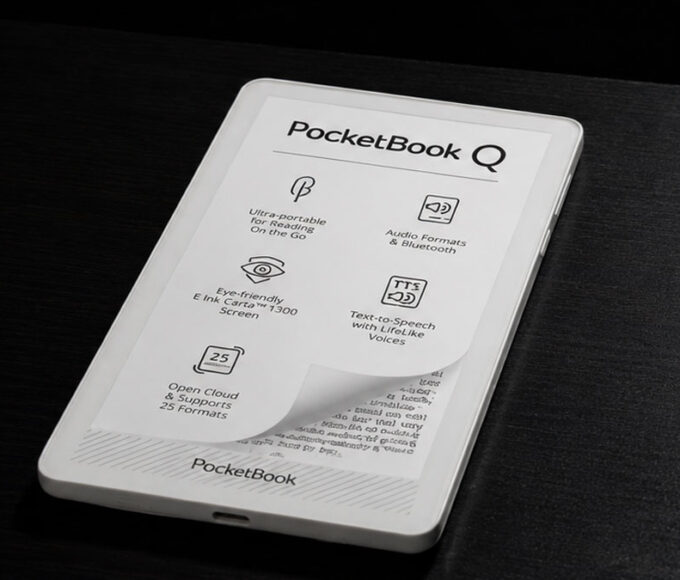
PocketBook Q eReader With E Ink Carta 1300 Debuts at IFA 2026
PocketBook is preparing to introduce its new PocketBook Q eReader at IFA...
Google Gemini for Home Update Brings Better Spotify Controls
Google has released a new update for its Google Home app and...
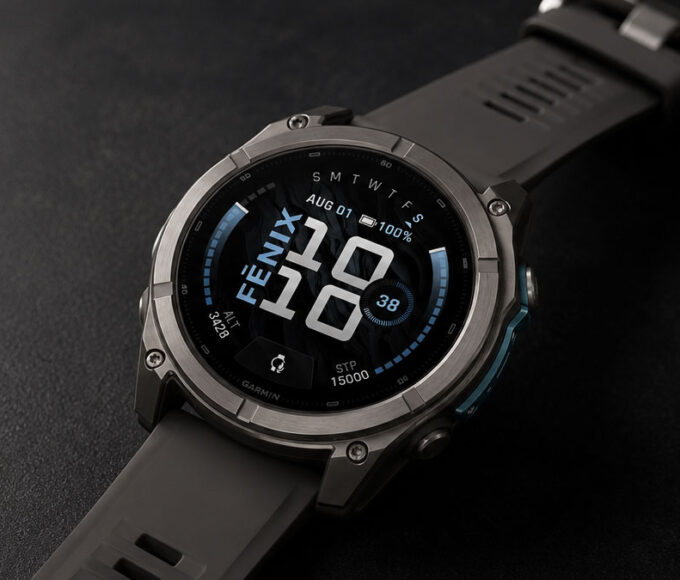
Garmin Fenix 9 Launches With Brighter OLED and 64GB Storage
Garmin has unveiled the Fenix 9, the newest generation of its flagship...
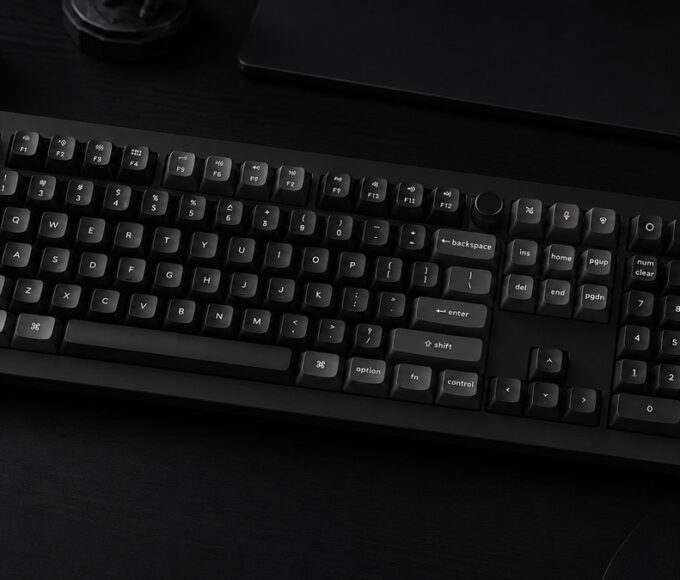

Keychron V6 Ultra Hybrid Combines Mechanical and Magnetic Switches
Keychron has launched the V6 Ultra Hybrid on Kickstarter, introducing a full-size...
Leave a comment