





2 Warning Signs Your Gmail Was Hacked and How to Regain Access
 193cc Agency CouncilJuly 13, 20261 Mins read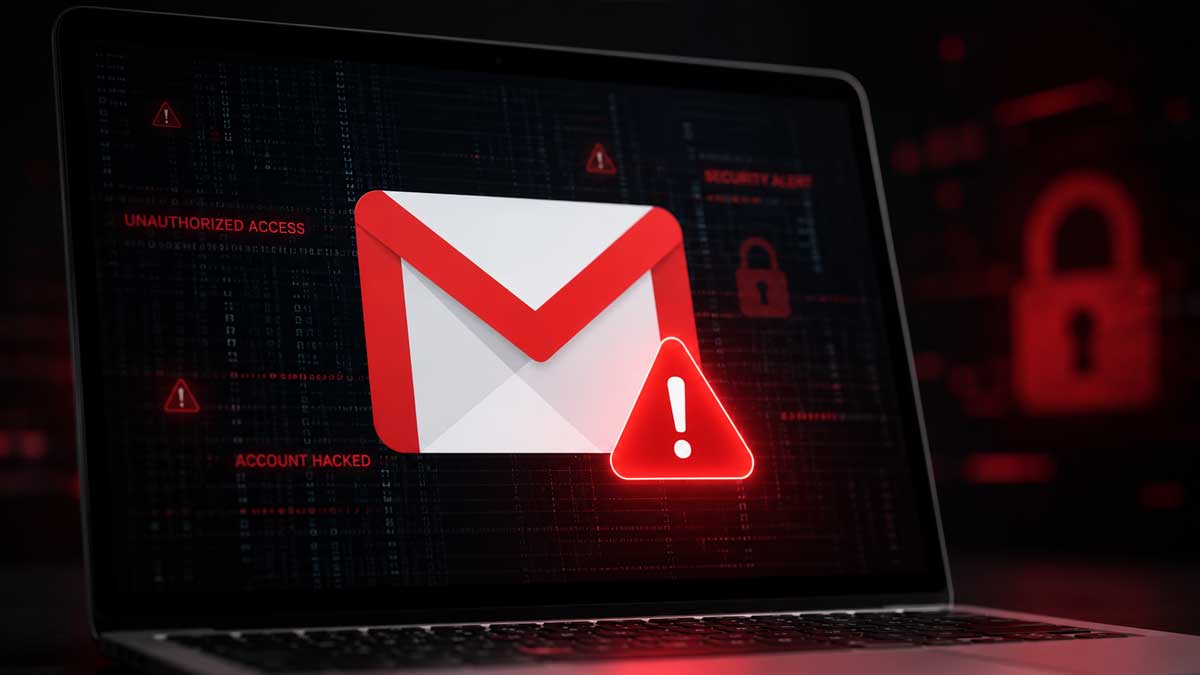
With an estimated 3 billion users worldwide, Gmail has become more than just an email service, providing access to Google products such as Calendar, Chrome, Docs, Drive, Maps, Photos and Sheets. Because a single Gmail login unlocks so much personal and financial information, cybercriminals continue to target Google accounts despite the company’s extensive security protections.
Google uses a range of defenses, including AI-powered threat detection and advanced account protection tools, to help prevent unauthorized access. Even so, hackers continue to compromise Gmail accounts. Security experts note that attackers do not always change a victim’s password immediately. In many cases, they attempt to remain undetected so they can quietly monitor emails or collect valuable information over time.
One way to identify suspicious activity is by reviewing Gmail’s “Last account activity” section, located in the bottom-right corner of the inbox. Selecting the “Details” option opens a report showing recent and current login locations. If any listed location or session is unfamiliar, users can review additional information to determine whether someone else has accessed the account.
Google also recommends using the Security Check-up feature available from the same activity window. Under the “Your Devices” section, users can see every device currently connected to their Google account, including laptops and smartphones. This allows account owners to identify unfamiliar devices and immediately sign them out to prevent further access.
Anyone who discovers unauthorized activity or is locked out of a Gmail account can use Google’s official account recovery process. The company advises starting the recovery from a familiar device and browser that has previously been used to access the account, preferably from a trusted location. Users will be asked to enter their Gmail address and answer verification questions as accurately as possible. If the current password cannot be remembered, Google recommends trying a previous password or the closest possible guess. Verification may also be completed using a security code sent to a recovery email address, phone number, authenticator app or through a prompt on a recognized device. Once verified, users can reset their password and regain access to their account.




Related Articles

Apple iOS 27 Introduces AI Scam Detection for Third-Party Apps
Apple is preparing to introduce a new security feature in iOS 27...
Google Rolls Out Chrome 149 Update to Fix 18 Security Flaws
Google has released version 149 of its Chrome browser, delivering an important...

124 Million Stolen Passwords Enter HIBP Database
A massive collection of stolen login credentials containing more than 56 million...

Google Fixes Actively Exploited Android Zero-Day Vulnerability
Google has released its June 2026 Android security update, addressing a high-severity...
Leave a comment