





Apple Rolls Out New AirPods Pro and Beats Firmware Updates
 193cc Agency CouncilJune 19, 20262 Mins read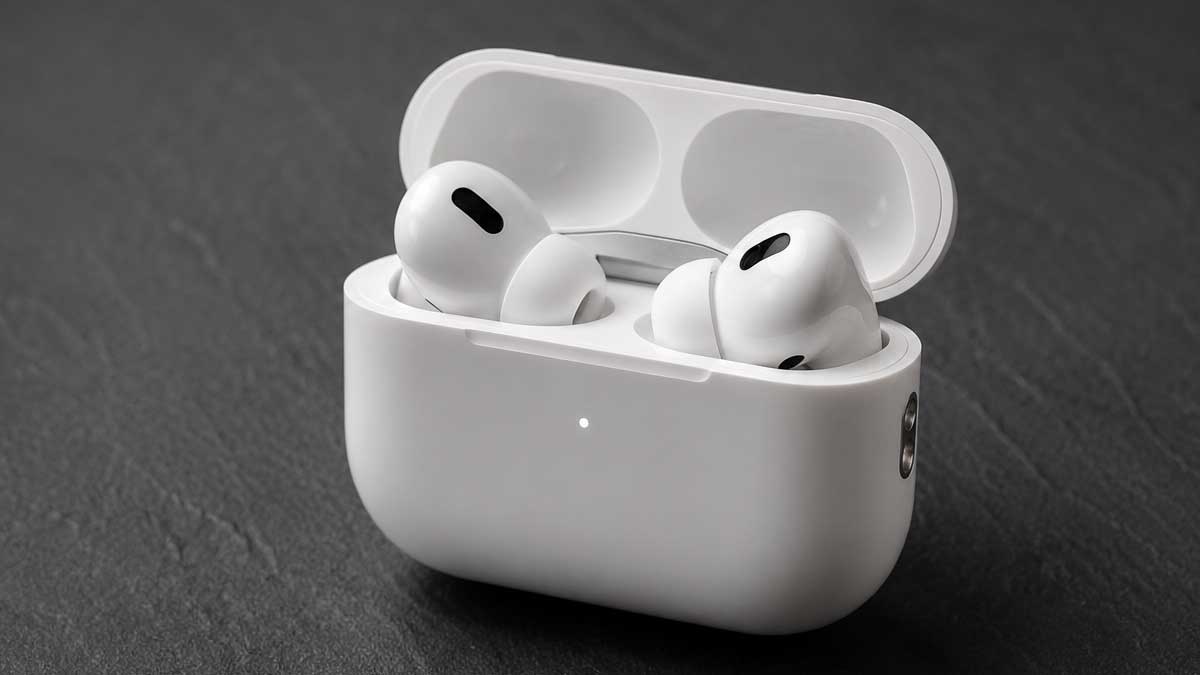
Apple has released a new firmware update for its AirPods Pro earbuds, extending support to both the AirPods Pro 2 and AirPods Pro 3 models. The update arrives roughly two months after the previous AirPods Pro 3 firmware release and is accompanied by Apple’s customary brief release notes, which simply state that the software includes “Bug fixes and other improvements.”
As with most AirPods firmware releases, Apple has not disclosed specific details about the changes included in the update. The company’s support documentation provides no additional information beyond the standard description, continuing a pattern seen across numerous previous firmware releases. This contrasts with the more detailed notes that accompanied the launch-related updates for AirPods Pro 3 last year.
Installing the latest firmware differs significantly from the process used for iPhone software updates. Users must first ensure that the iPhone, iPad or Mac paired with their AirPods is running the latest available software with Bluetooth enabled. The AirPods should then be connected to the device while the device remains connected to Wi-Fi. The charging case must also be connected to a power source.
To trigger the update, users need to place the earbuds inside the charging case, close the lid and keep the case within Bluetooth range of the paired device. Apple recommends waiting at least 30 minutes for the firmware installation to complete, although some users may see the update finish sooner. Afterward, opening the case reconnects the AirPods to the paired device, allowing users to verify the installation.
The latest firmware version for AirPods Pro 3, AirPods Pro 2 with MagSafe Charging Case (USB-C) and AirPods Pro 2 with MagSafe Charging Case (Lightning) is build number 8B41. Users can confirm the version by opening Settings on an iPhone, selecting their connected AirPods and scrolling to the About section, where the firmware version is displayed.
Apple has also released a separate firmware update for Beats Studio Buds, further expanding the software rollout across its audio product lineup. Unlike the AirPods update, Apple provided additional details about the Beats release, identifying a security-related vulnerability. According to the company, “An attacker within Bluetooth range may be able to listen through the microphone of a device,” noting that the issue stems from a flaw in open-source code and that “Apple Software is among the affected projects.”
The new Beats Studio Buds firmware carries version number 1B211. Updating the earbuds follows a process similar to that used for AirPods. Users must pair the earbuds with an iPhone, iPad or Mac, place them in their charging case, connect the case to power and keep it within Bluetooth range of the paired device. The firmware should then install automatically.






Related Articles

Xiaomi 18 Pro Max Pushes Into Premium Global Phone Market
Xiaomi is expanding its premium smartphone ambitions beyond China with the Xiaomi...

Epson Launches Three New 4K Laser Home Cinema Projectors
Epson has introduced three new laser-powered home cinema projectors aimed at movie...

Feather Robotics Launches $29,990 Mobile Humanoid Robot
California startup Feather Robotics has emerged from stealth with a $29,990 mobile...


MCHOSE ACE 75 Hall Effect Gaming Keyboard Launches on Kickstarter
MCHOSE has launched its ACE 75, a new 75% Hall Effect gaming...
Leave a comment